Where Should Your Sky Q Box Go in a Media Wall?
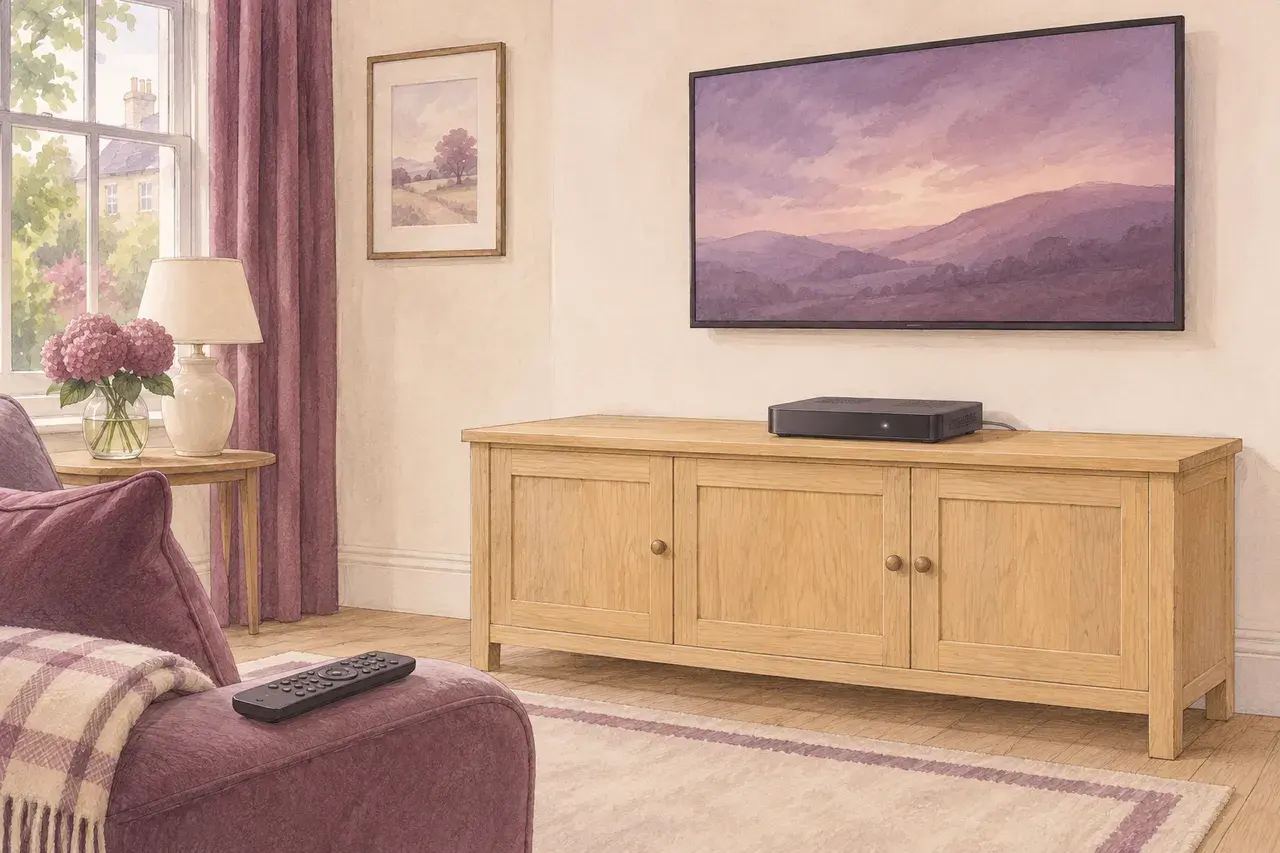
Give the main Sky Q box an open, accessible position, then hide the cable route rather than sealing the receiver behind the TV. An alcove sideboard can keep it out of the main sightline without putting a door in front of it. Before choosing which alcove, decide which television needs the main box. A Sky Q Mini is smaller, but it cannot deliver Sky Q Ultra HD.
The illustration is a design concept, not a customer installation. This guide is for Sky Q, not a Sky Stream puck.
Start with what you want to watch
Imagine you mainly watch films on a 4K lounge TV. Your initial drawing puts the main Q box in the snug, where the dish cables enter, and a Mini at the lounge screen. The drawing looks tidy, but the lounge would get the Mini’s picture, not UHD from the main box. Having a 4K TV does not remove that limit.
If Sky UHD matters in the lounge, plan a connection from a compatible main Q box to that TV and check the package, TV input and HDMI connection against Sky’s UHD requirements. If HD is enough and the main box is staying at another television, a Mini may suit the lounge. Check Sky’s multiroom requirements before designing around one. It is a second viewing point, not a stand-alone replacement for the main box.
Put the connections on the drawing
Ask the designer to mark three things on the room sketch: where the satellite feed comes in, where the main receiver will sit and which TV its HDMI lead will reach. They need not all be in the same spot.
| Proposed layout | What to resolve before the wall is boarded |
|---|---|
| Main Q box on an open surface near the lounge TV | Can the existing dish feed reach it? Where will HDMI reach the screen, and can you unplug the box and access the viewing card? |
| Main Q box on the other side of the lounge | Trace the actual HDMI route around corners, not the straight-line distance. Ask who supplies and tests that connection at your intended picture setting. |
| Main Q box elsewhere, Mini at the media-wall TV | Confirm HD is acceptable at this seat, the multiroom service is available and the Mini works in that position. Leave power and an HDMI route at the lounge end. |
Photograph the existing connections before moving furniture. If a dish feed needs relocating, agree who will handle it before accepting the joinery quote. A spare Ethernet socket is not a satellite feed. If the plan also moves your broadband hub, our media-wall router guide covers that separate decision.
Why a working remote is not a cupboard test
Sky’s voice remote uses Bluetooth, as Sky explains in its accessibility report. A paired remote changing channels from the sofa tells you the control reaches the receiver. It tells you nothing about whether the receiver has enough air, or whether you can reach the plug if it needs restarting.
In its Q box setup guidance, Sky specifies at least 10 cm of space around the box, rules out closed cabinets and advises keeping it separate from other equipment and heat sources. A shelf just wide enough for the casing fails that check even with no door. A cable hole in the back does not make a closed cupboard an open shelf.
Before approving the drawing, try a simple box-swap test: from the proposed position, could you reach the connections, disconnect the leads and lift the receiver out without taking down the TV or removing finished panelling? If not, move the receiver on the drawing while the change is still easy.
What to check at handover
From your usual seat, change channel, open a recording and adjust the TV volume with the remote you normally use. If UHD was part of the design, try eligible UHD content at the lounge TV; a working menu is not the same test. If you chose a Mini, test it with the main box in its agreed final position.
For a bespoke media wall in our South Wales service areas, request a design quote with a photo of the dish-cable entry, your main box and any Mini. Say which TV you want UHD on. That gives the designer a viewing requirement to meet, not just a box to hide.