Can You Hide a Router in a Media Wall?
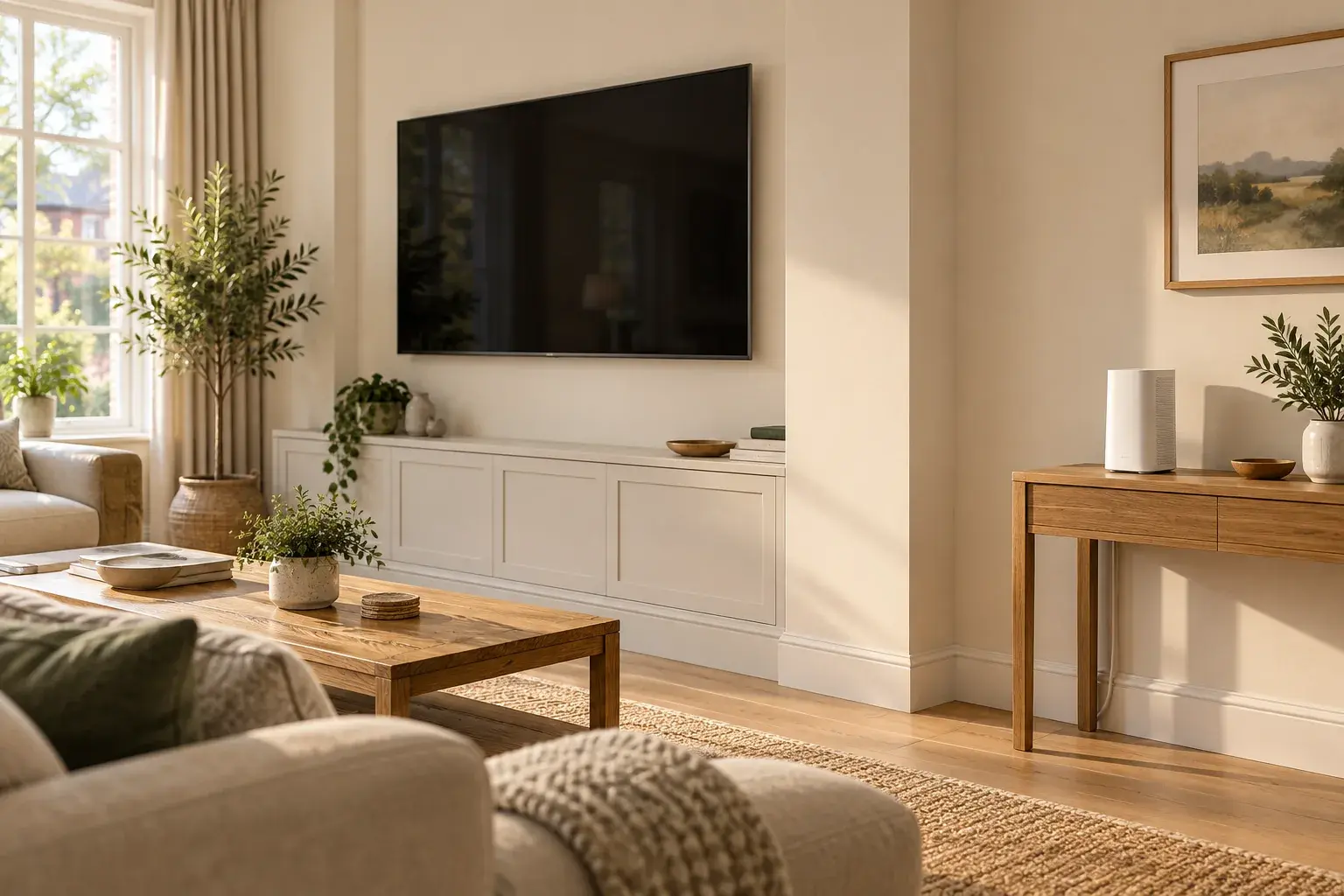
Avoid making a closed media-wall cupboard or the space behind the TV your default Wi-Fi router location. Plan an open position first, then conceal the cable route—not the equipment that needs to send a wireless signal around your home.
The broadband cable entering beside your television does not necessarily mean the router must stay there. The useful design question is: which box needs to remain at the incoming connection, and which equipment can be placed elsewhere?
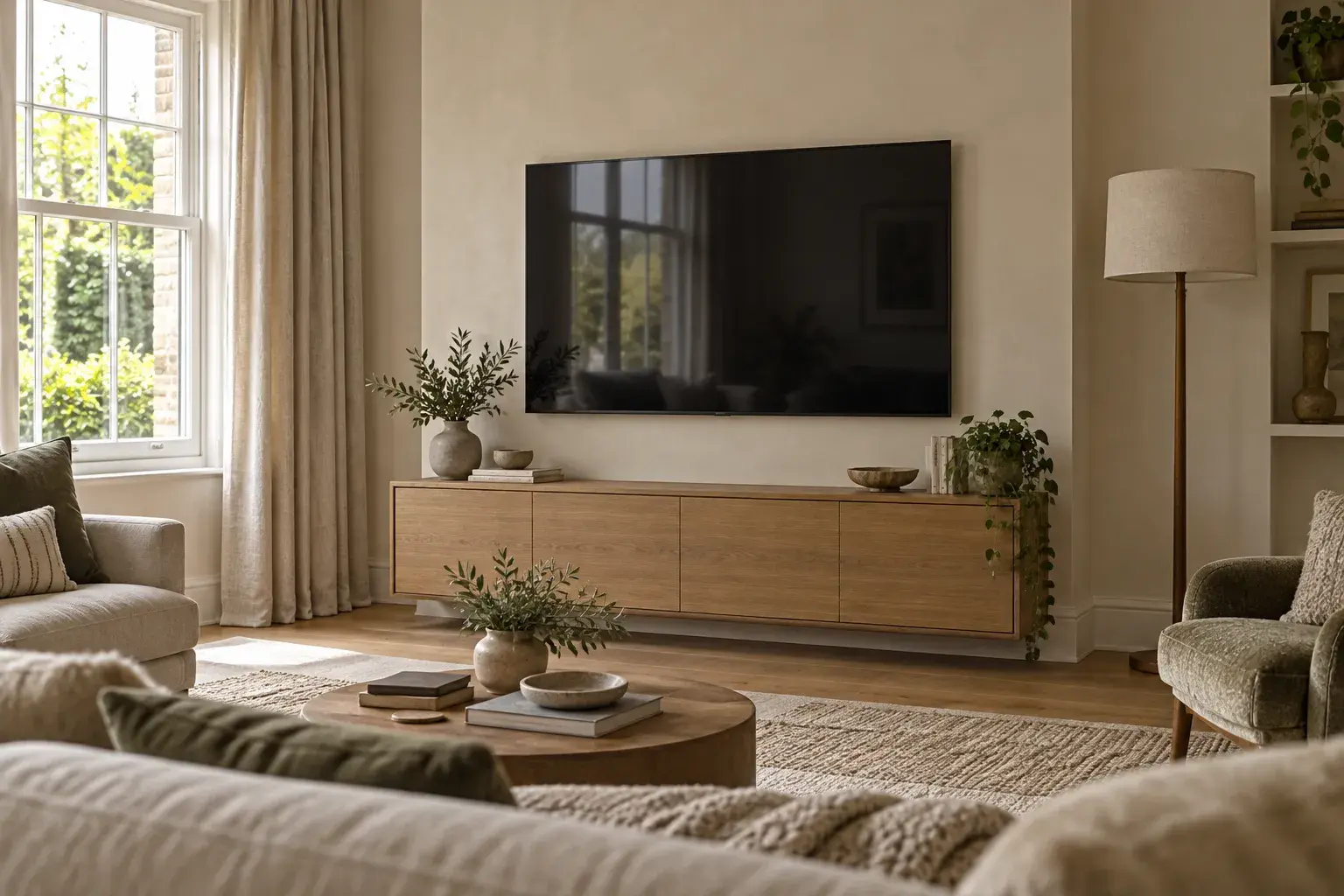
The image is an AI-generated editorial concept, not a completed customer installation or a network-performance specification.
Why a tidy cupboard can be the wrong home for Wi-Fi
BT's Wi-Fi guidance recommends an open, central position off the floor. It warns that cupboards reduce coverage and speed, and advises against putting the hub behind a TV or on a metal box.
That does not give you a universal percentage loss through a cabinet door. Materials, layout and equipment differ. Nor does a slatted door prove that a cupboard is suitable: an attractive front is not a Wi-Fi test.
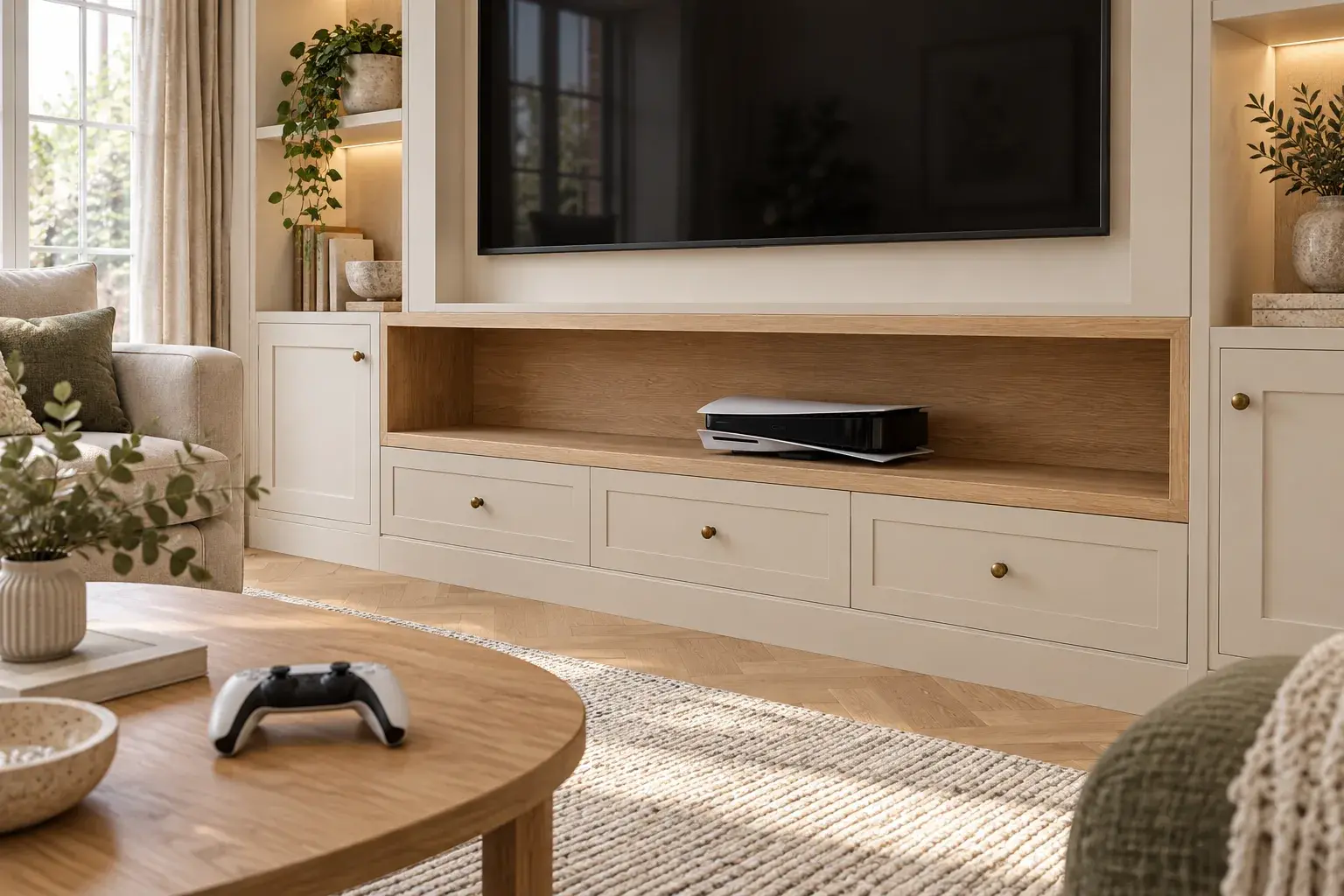
There are two separate checks. The location must support useful wireless coverage, and the equipment must be installed with the ventilation and clearances its manufacturer requires. Passing one does not establish the other. The PS5 cupboard guide covers the separate heat-and-access problem for consoles; its dimensions should not be borrowed for a router.
Identify the boxes before drawing the wall
Photograph the current arrangement and label the equipment, without disconnecting it. “Internet box” is too vague for a construction brief.
| Item | Its role in the plan |
|---|---|
| Incoming connection or fibre termination | Where the provider's network reaches the property; confirm who may move it |
| Broadband router or hub | Connects your home network and usually supplies Wi-Fi; choose its position for the rooms you use |
| TV, console or streaming device | May have a wired Ethernet option; check the actual model rather than assuming everything needs Wi-Fi |
| Additional Wi-Fi point or mesh unit | A separate coverage decision, not something to hide wherever a spare socket happens to be |
On an Openreach full-fibre connection, the wall-mounted ONT (Optical Network Terminal) and the router are different devices. Openreach explains that the ONT does not provide Wi-Fi: it connects to the router by Ethernet. The ONT belongs to Openreach; do not remove or reposition it as part of the joinery work. Contact your broadband provider about an unsuitable location.
Other networks and connection types can have different arrangements. Ask your provider to identify yours before anyone extends, disconnects or boxes around incoming cabling.
Choose the cable route around the router position
Three approaches are worth discussing before the wall is boarded:
Keep the router nearby, but outside the enclosure
An open position on a separate shelf or sideboard may preserve the existing connection with little change to the room. Test that position rather than putting it immediately behind the screen. Allow for the actual leads, power supply and the manufacturer's installation requirements.
This works best when the nearby position already serves the rest of the home well. It is not an obligation to display the router as part of the TV feature: our media wall design ideas include layouts that separate open display from closed storage.
Keep the fibre box in place and relocate the router
For an appropriate full-fibre setup, a planned Ethernet connection can separate the router from the ONT. Openreach's home-wiring guide, option 2 shows this arrangement using internal network cabling, an RJ45 outlet and power at the router's new position.
Agree the route and compatibility with your provider and cable installer. Moving the router does not automatically provide a wired TV connection as well: the link from the ONT to the router and a link from the router back to the TV serve different purposes. Show both on the brief if both are wanted.
Leave a good router location alone and bring Ethernet to the TV
If the router already works well elsewhere, a new media wall is not a reason to move it into the lounge. Ask about a wired network outlet for compatible entertainment equipment, with accessible connections and an agreed cable route. This separates the TV's connection from the question of where phones and laptops receive Wi-Fi.
If additional wireless coverage is needed, plan that separately. Virgin Media's hub-placement advice notes that a wireless Pod needs a useful signal to receive; placing it in the dead spot or hiding it behind furniture is not a reliable rescue plan. Follow the instructions for the particular system, including any wired connection option.
Test the rooms, not just the television
Use this simple project record before approving the layout, then repeat it after the finished wall and equipment are in place. It is a practical comparison, not a promised speed or a professional wireless survey.
- Record the starting point. Note the router location and check the places you actually use: sofa, home-office desk and a regularly used bedroom, for example.
- Try the proposed open location, only where existing connections can safely reach without altering provider equipment or creating trailing-cable hazards.
- Keep the comparison consistent. Use the same phone or laptop in the same places, confirm it is using Wi-Fi rather than mobile data, and record both a speed-test result and whether your usual video call or stream works reliably.
- Repeat rather than trusting one reading. Internet activity and conditions vary. Record unresolved dropouts, not just the best number.
- Recheck after completion, with doors and furniture in their normal positions. A wired TV working properly does not establish that the upstairs Wi-Fi is satisfactory.
If performance is poor before work starts, record that too. Otherwise an existing broadband problem can become confused with a change caused by the new layout. Ask the provider or a networking specialist to investigate unresolved coverage problems before committing to fixed finishes.
What to put in the media-wall brief
Before construction, agree:
- Which incoming equipment stays in place, with usable access rather than a permanent covering.
- The router's proposed open position, model and power requirement.
- Which entertainment devices need wired connections, and where each cable starts and ends.
- Who supplies, installs and tests the network cabling; do not assume this is included in a joinery quote.
- How plugs, status lights and replaceable leads remain reachable after finishing.
- Who checks the agreed room-by-room connection record at handover.
For a bespoke media wall in South Wales, send room photos showing the current broadband equipment as well as your TV and storage ideas. Include any provider advice about relocation and say which rooms rely on Wi-Fi. Check our areas covered, then request a design consultation and quote. Agree the network-work scope explicitly so a clean-looking wall does not leave an essential connection as an afterthought.